← Skin catalog
CRAFTPROFIT / INSPECT
CS2 skin 3D inspector
View the finish from different angles and play the in-hand inspect animation. Two knives are currently available; 3D models load after you press the button.
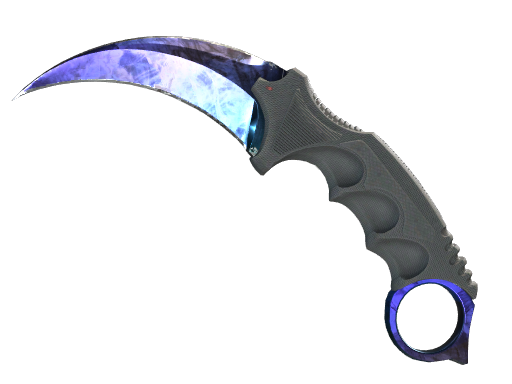
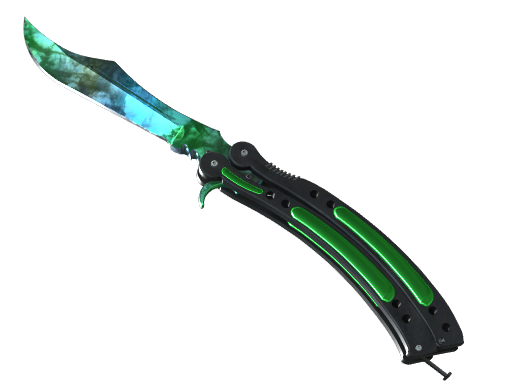
How to use the inspector
Open the 3D scene, rotate the knife with your mouse or touch, and adjust the pattern and float. Press F to play the in-hand animation, including when using a Ukrainian keyboard layout. On your phone, tap “Inspect F”. Browser lighting may differ from CS2; check the phase, pattern and float when evaluating a specific listing.